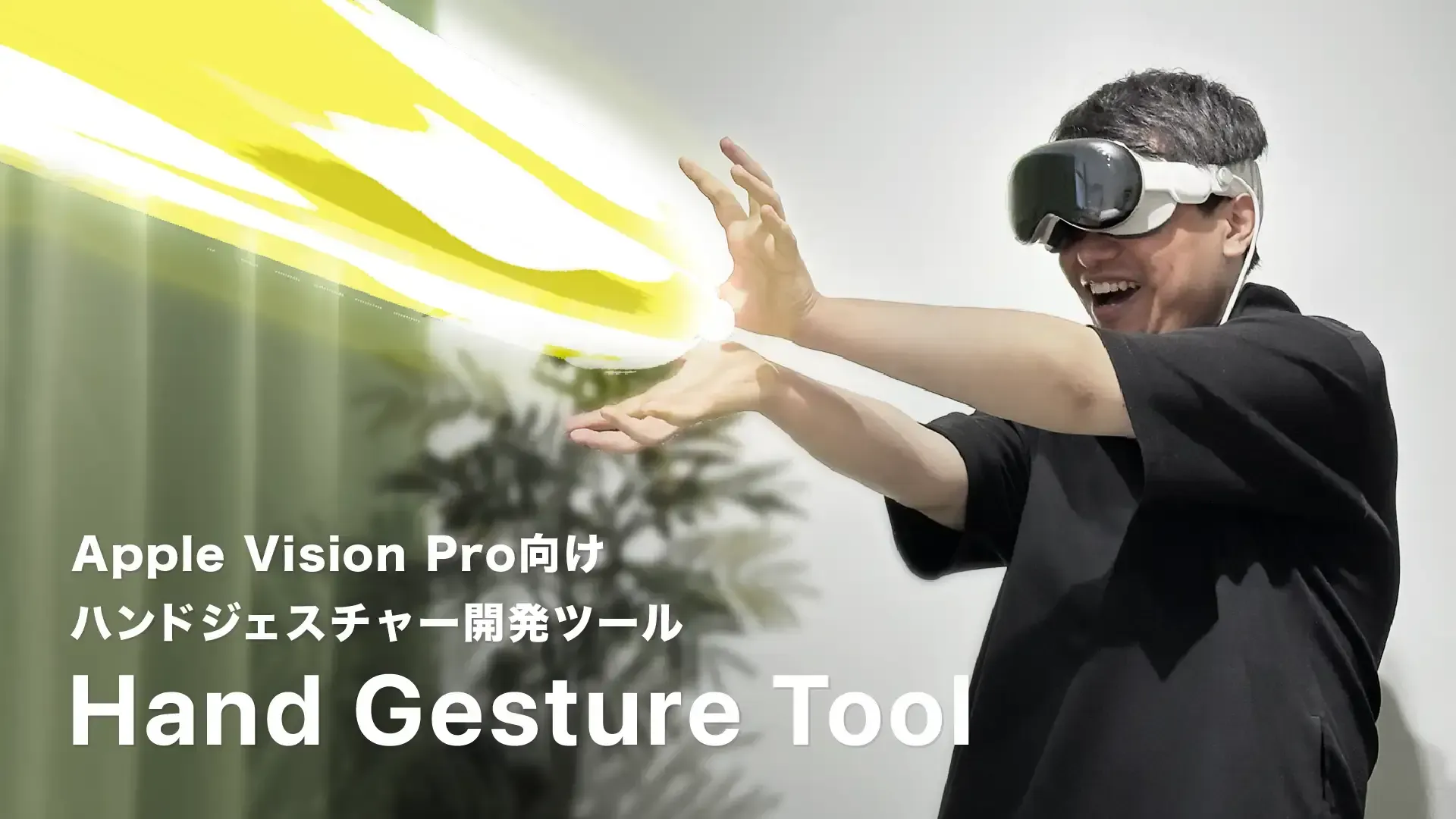
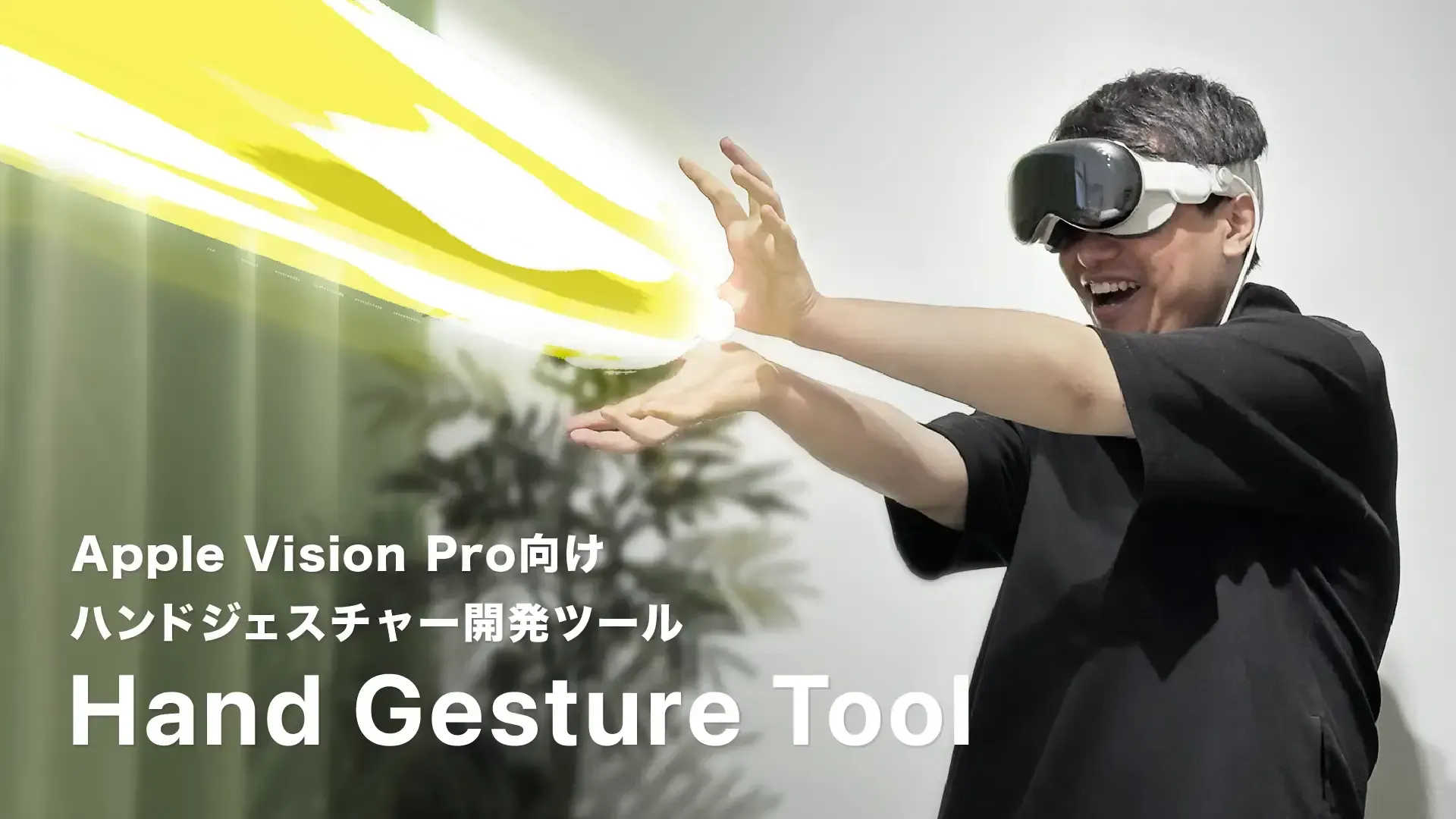
■Background
Graffity is a startup that provides entertainment using AR technology under the mission "Play with reality through AR." With the launch of Apple Vision Pro, which offers higher performance and image quality compared to conventional devices, AR technology has evolved dramatically. However, leveraging Apple Vision Pro's high-precision hand tracking technology requires development expertise and time. Graffity has developed a library containing 16 hand gestures as a tool to efficiently solve this challenge. With this tool, developers can easily implement hand gestures and enhance the appeal of Spatial games.
■About Apple Vision Pro's Hand Gesture Features
Apple Vision Pro uses hand tracking technology to recognize users' hand movements and positions, enabling various operations. Hand gestures refer to the poses and hand movements required for these operations. Compared to conventional devices, Apple Vision Pro offers higher recognition accuracy and allows operations to be performed without raising your arms, with hands placed on a desk or lap.
■About "Hand Gesture Tool For Apple Vision Pro"
"Hand Gesture Tool For Apple Vision Pro" is a hand gesture tool for Apple Vision Pro available for download on the Unity Asset Store. This tool includes 16 hand gestures that anyone can easily incorporate into their games. With this tool, developers can easily implement hand gestures and enhance the appeal of their games.
Feature Overview
・Developers can efficiently develop hand gestures
・Dynamic hand gestures combining static hand gestures can also be created
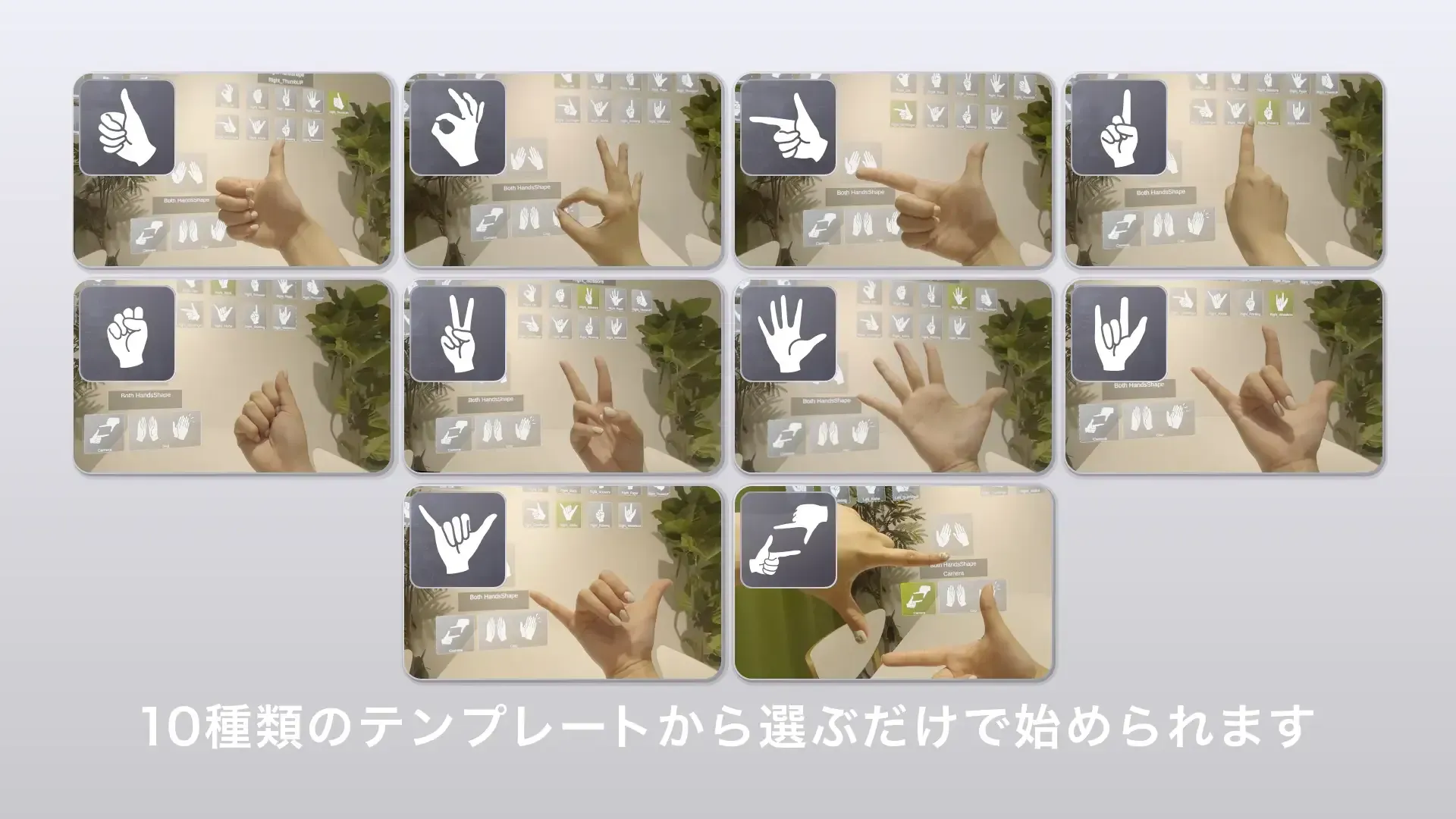
・Includes 10 static hand gestures and 6 dynamic hand gestures
・Poses reflecting configured conditions can be checked in Unity Editor, allowing fine-tuned adjustments
・Developers can extend the tool to create their own custom hand gesture tools
While Unity6 also provides hand gesture tools, the supported version is limited to Unity2024. In contrast, Graffity's "Hand Gesture Tool For Apple Vision Pro" supports Unity2022.3 and later, making it usable across a wide range of game development environments.
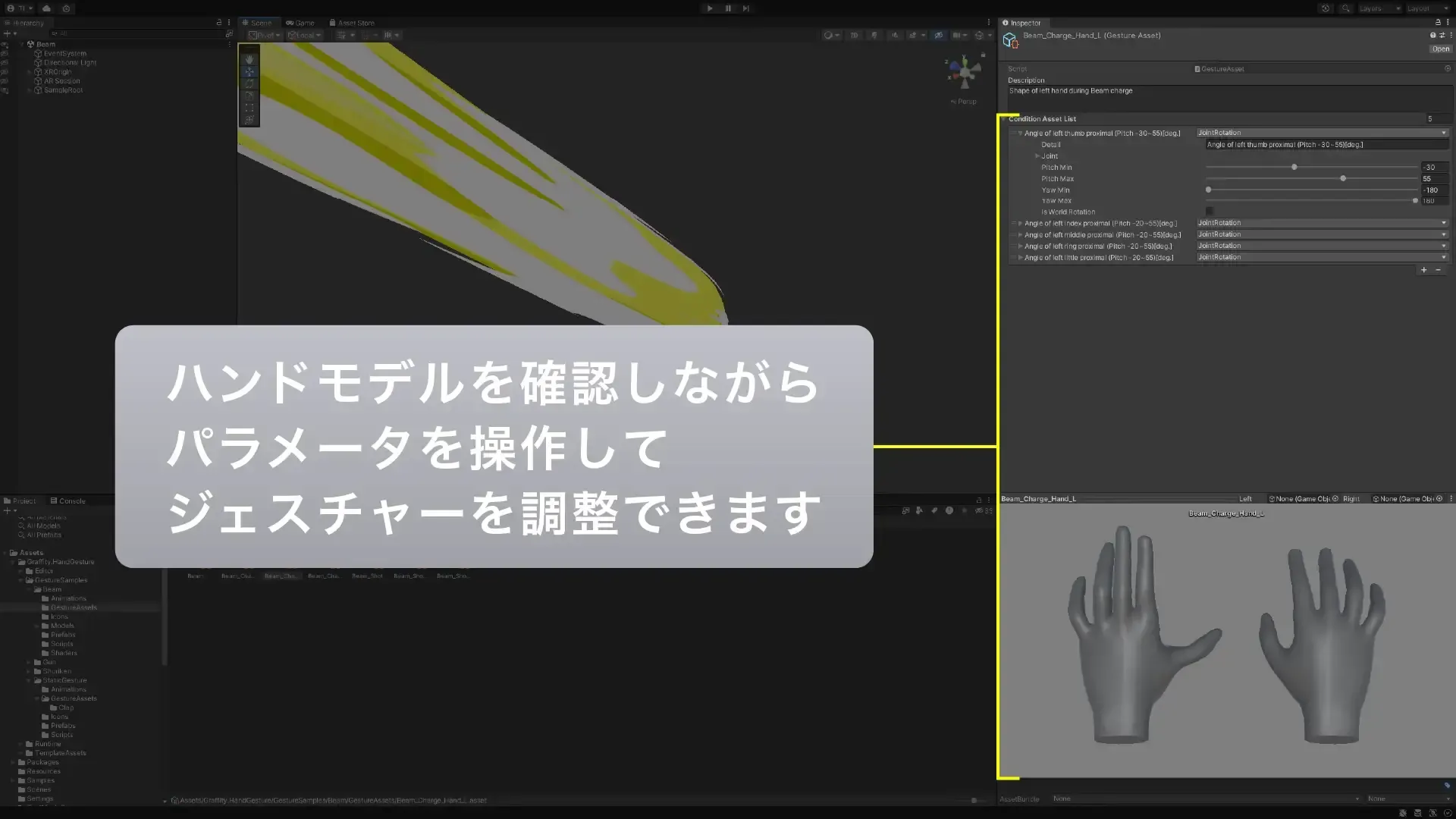
By utilizing "Hand Gesture Tool For Apple Vision Pro," game developers can maximize Apple Vision Pro's advanced hand tracking technology to deliver more realistic and immersive game experiences.
Unity Asset Store URL:https://assetstore.unity.com/packages/tools/input-management/hand-gesture-tool-for-apple-vision-pro-287273
■About "Graffity" Partner Recruitment
Under the concept "Bring to life use cases that blend into everyday life with Apple Vision Pro," Graffity operates "Graffity Spatial Lab," which supports new business and R&D personnel with Apple Vision Pro experience sessions, workshops to generate app ideas for Apple Vision Pro, and prototyping services for Apple Vision Pro apps. With the launch now confirmed in Japan, we are recruiting partners considering new business ventures utilizing Apple Vision Pro.
For inquiries and questions, please contact us via our contact page.
Moving forward, Graffity will continue to promote the planning and development of Spatial apps for Apple Vision Pro under our mission "Play with reality through AR," bringing new forms of play using AR to life.